Beta for Windows 10 and 11
Record World of Warcraft with the combat log on the timeline
FloorPoV reads your combat log while it records. Deaths, Bloodlust, boss encounters, and the markers you set with a hotkey show up on the video, and clicking one takes you to that moment. It works for Mythic+, raids, and PvP.
 FloorPoV
Raid analysis
The Venomous Abyss · The Coiled Altar
Try it: click an event or the timeline, switch tabs, or press M to add a marker.
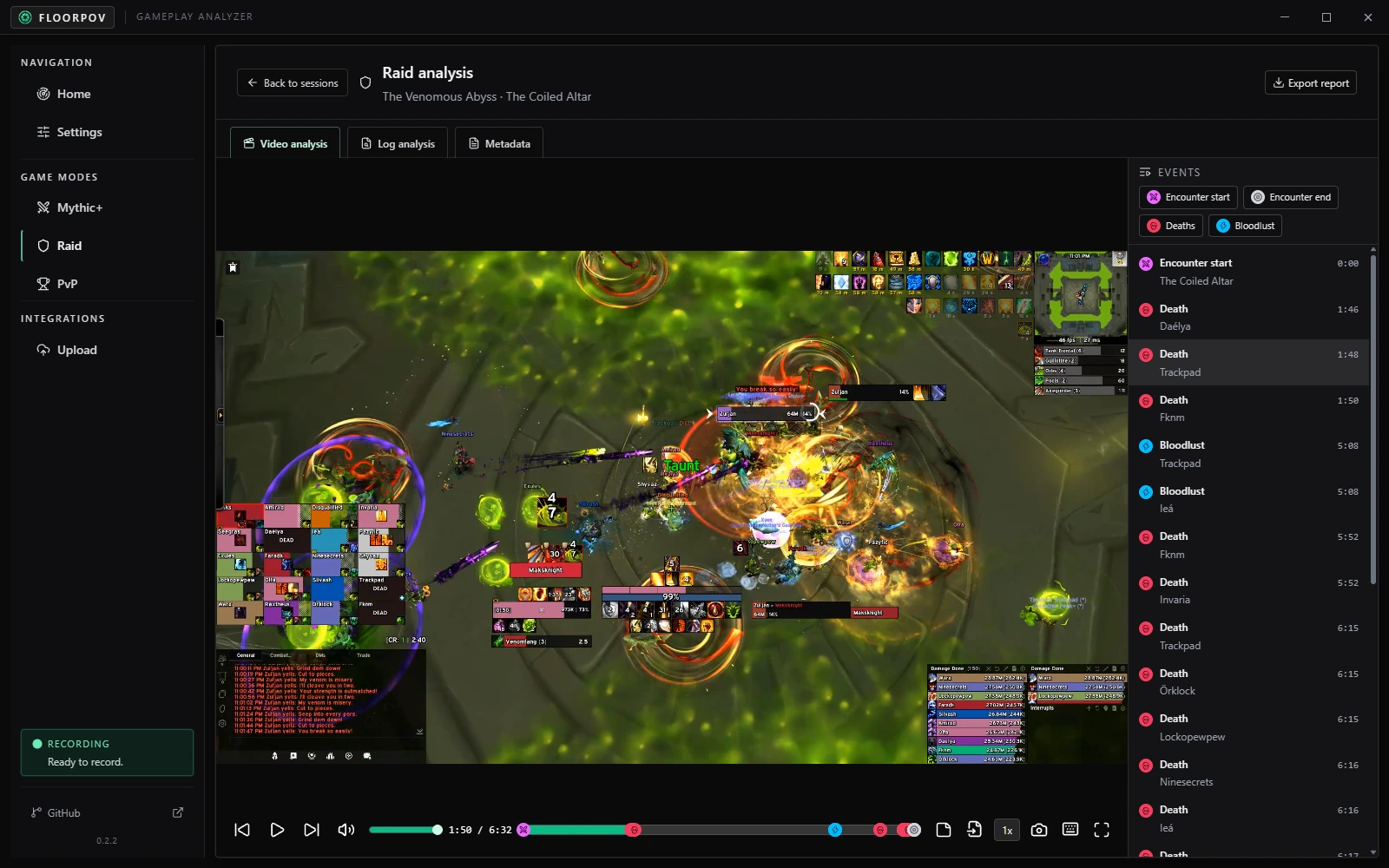
Click an event to watch it
Every event in the list has a timestamp. Click one and the recording seeks to a few seconds before it happened.
Count what happened in a pull
Log analysis reads the same combat log and shows how often each event happened and when. Deaths and Bloodlust are two of the things it tracks.
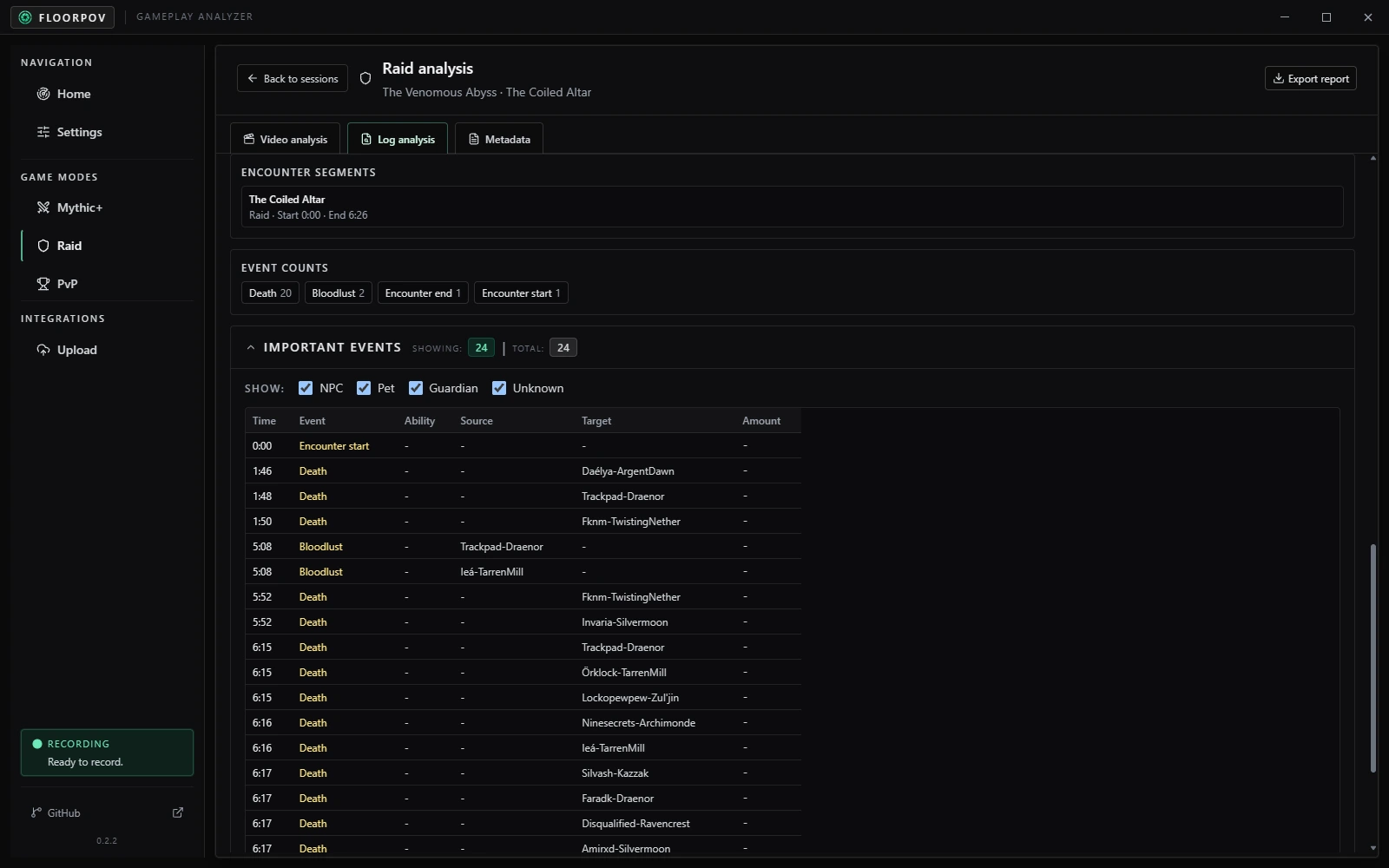
Features
Pick a feature to try it.
Recording starts on its own
FloorPoV watches the combat log and starts recording when Mythic+, raid, or PvP combat begins.
Waiting for combat to start.
Setup
FloorPoV runs on Windows 10 and 11. FFmpeg and the Node.js parser come with it, so you don't need to install either one.
Once it's installed, pick your World of Warcraft folder in Settings. Combat logging has to be on in the game. Detection, automatic recording, and live uploads all read Logs\WoWCombatLog*.txt.
FloorPoV is in beta and some parts are unfinished. If you find a bug you can reproduce, please open an issue.
WoW & combat log
Select your WoW client folder. FloorPoV reads Logs\WoWCombatLog*.txt.
Try Browse to see what Settings shows.
Downloads aren't open yet. The code is on GitHub.